
A hotel CRM helps hotels, guesthouses, boutique properties and serviced apartments build stronger guest relationships by keeping every booking inquiry, stay, preference and message in one place. Instead of guest details spread across the property management system, email, OTA messages and front-desk notes, your team sees who is arriving, what they asked for and how to welcome them back. This guide is for hotel owners, general managers, front-office and reservations teams, and sales staff who want more direct bookings and more returning guests.
Key takeaways
- A hotel CRM works next to your property management system: the PMS runs rooms and rates, the CRM manages guest relationships and follow-ups.
- A guest journey from inquiry to pre-arrival, stay, post-stay and return makes every touchpoint visible and assignable.
- Saved preferences, special occasions and past stays let staff personalize each visit without guesswork.
- Pre-arrival and post-stay messages create chances for upgrades, reviews and direct repeat bookings.
- Group, corporate and event inquiries need their own pipeline with owners, proposals and deadlines.
What is a hotel CRM?
A hotel CRM is software that stores guest profiles, stay history, preferences, inquiries and communication, and automates messages and tasks across the guest journey. Your property management system still handles room inventory, rates and check-in. Hotel guest management in a CRM focuses on the relationship: who the guest is, why they travel, what they liked and when to contact them next.
Why hotels struggle to turn guests into repeat guests
Guest data is split across systems
Booking channels, the PMS, email, messengers and front-desk notes each hold part of the story. Nobody sees the full picture, so a returning guest can feel like a stranger.
Inquiries wait too long
Questions about rooms, groups or events arrive by email, phone and chat. When no one owns them, travelers book elsewhere while waiting for a reply.
Preferences are forgotten between stays
A guest who asked for a quiet room or a feather-free pillow last time has to ask again. Small details like these are what guests remember.
Contact stops at checkout
Many properties send nothing after the stay. Without a thank-you, a review request or a reason to return, the next trip is often booked through a third-party site or another hotel.
Hotel guest management: the journey in one view
Map the stages your guests go through and decide what should happen at each one. Here is an illustrative journey you can adapt:
| Stage | What to record | Example automation |
|---|---|---|
| Inquiry | Name, contact, dates, room type, number of guests, source | Instant reply and a task for reservations |
| Booking confirmed | Booking channel, stay dates, rate type, purpose of trip | Confirmation and a welcome message |
| Pre-arrival | Arrival time, special requests, occasion, transfer needs | Message a few days before arrival offering extras and asking for requests |
| In-house | Room, requests, issues reported, staff notes | Task for the duty manager if an issue is logged |
| Post-stay | Feedback, review left yes/no, spend notes | Thank-you and review request |
| Returning guest | Number of stays, preferences, preferred season | Invitation for the next stay or a seasonal offer by direct booking |
| Group or event lead | Company, event type, room block, dates, budget | Proposal task and a follow-up before the option date |
Keep the first version simple. Add more stages only when the team actually uses them.
Pre-arrival and post-stay messages
The days before arrival are when guests are most open to useful information: directions, check-in times, parking, breakfast hours and optional extras like airport transfers or late checkout. After the stay, a short thank-you and a feedback request show that you care and help you catch problems before they become public reviews.
Copyable guest message workflow
- After booking: "Hi [Name], thank you for booking [Hotel] for [dates]. If you have any requests for your stay, just reply to this message."
- A few days before arrival: "We look forward to welcoming you on [date]. Check-in starts at [time]. Would you like an airport transfer, early check-in or a table at our restaurant?"
- During the stay: "We hope you are settling in well. If anything in your room needs attention, reply here and our team will help."
- After checkout: "Thank you for staying with us. How was your stay? Your feedback helps us improve."
- Before the next season: "It has been a while since your last stay. When you are ready to travel again, book directly with us and we will remember your preferences."
Send marketing messages only to guests who have agreed to receive them, and follow local privacy rules.
Guest profiles and personalization
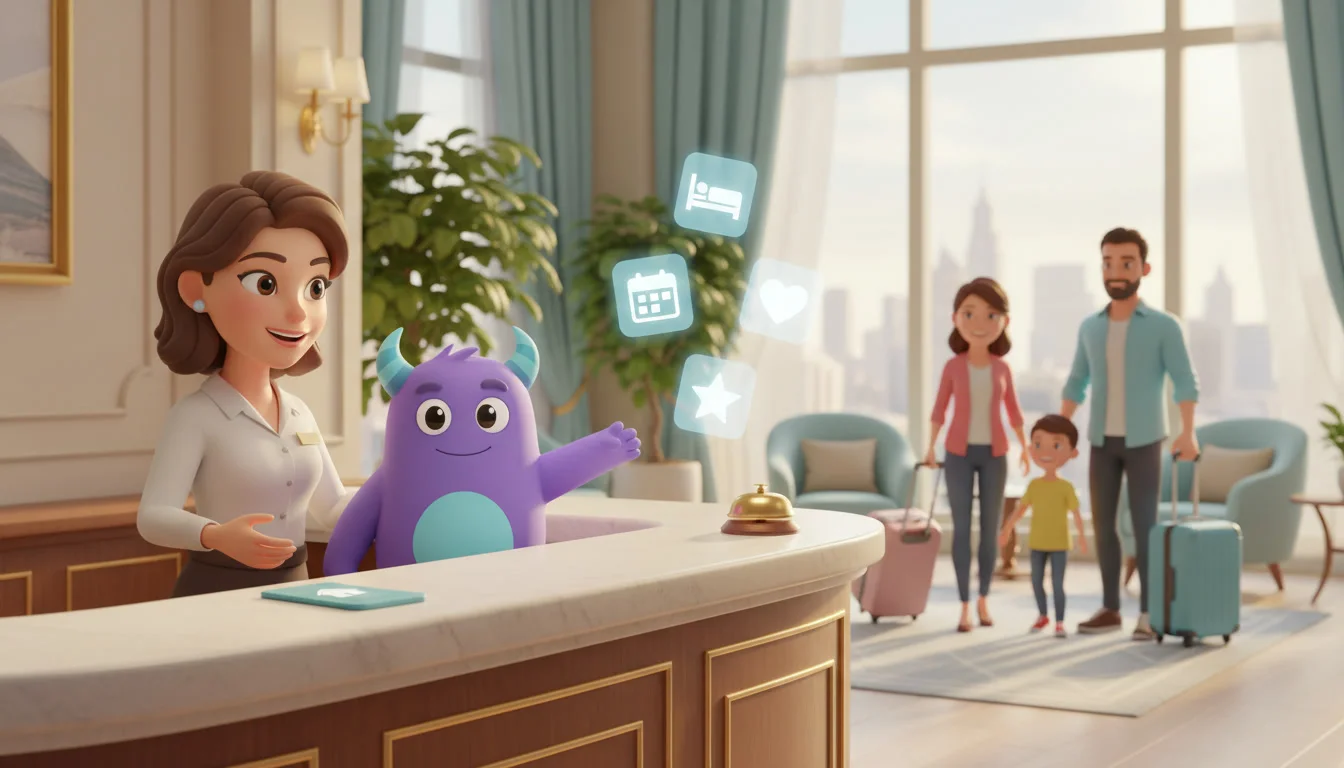
A practical guest profile includes contact details, stay history, room and pillow preferences, dietary needs, special dates, travel purpose (business or leisure) and notes from staff. Front desk can check it before arrival; housekeeping can prepare the room; the restaurant can note allergies. Personalization does not need to be expensive. Remembering a guest's name, preferred room or anniversary often matters more than a discount.
Group, corporate and event sales
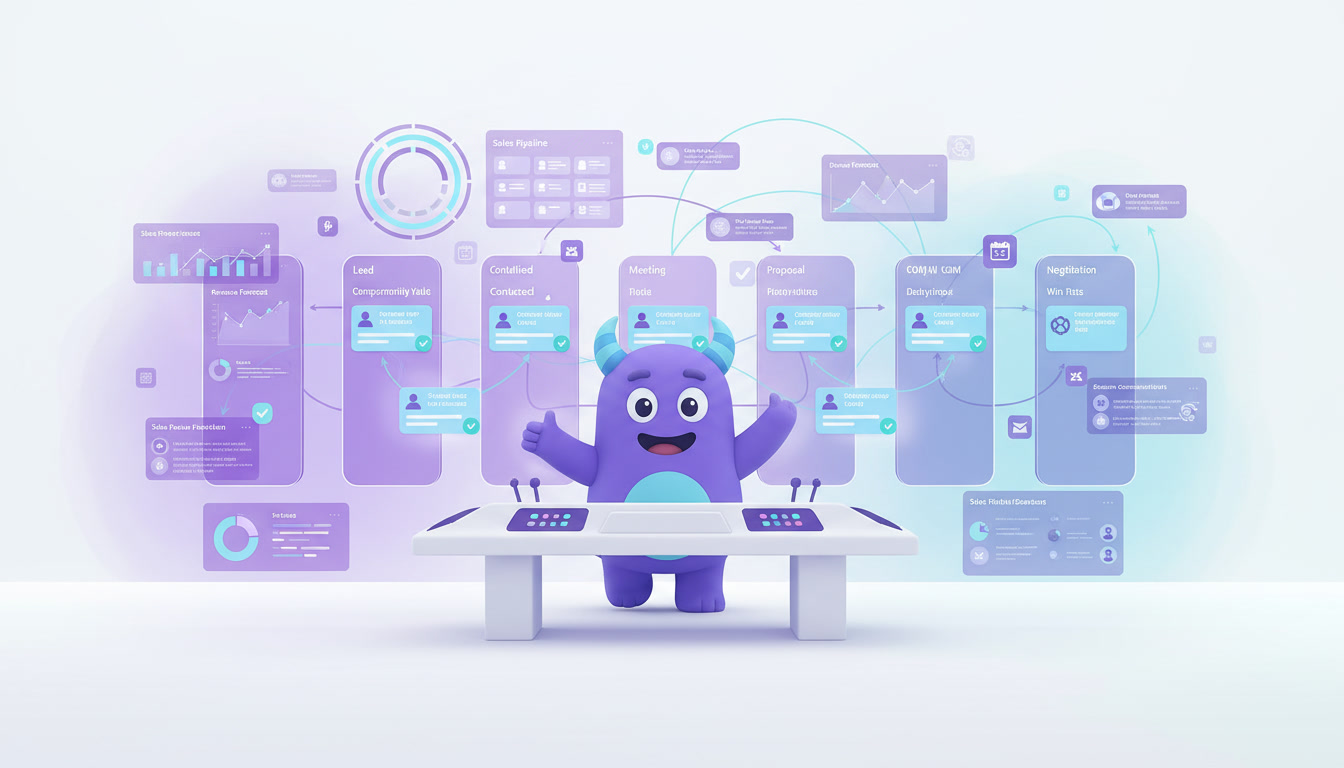
Weddings, conferences, sports teams and corporate accounts can bring many room nights at once, but they require proposals, contracts, deposits and room-block deadlines. Treat them as a sales pipeline with clear owners and option dates. A structured CRM sales pipeline helps your sales team see which proposals need a follow-up this week and which deals are at risk.
Direct bookings and returning guests
Online travel agencies help guests find you, but every repeat stay booked through them costs a commission. A CRM helps you build a direct relationship with guests who already know you: segment by travel purpose and season, and send relevant offers when they are likely to plan their next trip. Combined with good service, this is one of the most useful customer retention strategies for hotels.
How to set up a hotel CRM (step by step)
- Set one or two goals. For example, faster replies to inquiries, more reviews or more direct repeat bookings.
- Bring inquiries into one queue. Connect your website form, email, messengers and phone so every inquiry has an owner.
- Define guest fields. Stay dates, room type, travel purpose, preferences, special dates, marketing consent and number of stays.
- Build two pipelines. One for individual guest journeys and one for groups, corporate and events.
- Write message templates. Confirmation, pre-arrival, in-stay check, post-stay thank-you and return invitation.
- Create task rules. Negative feedback goes to the duty manager; group inquiries create a proposal task with an option date.
- Import guest records. Start with recent guests and corporate accounts, and clean duplicates first.
- Train each department. Show front desk, housekeeping and sales which fields they read and update.
- Review monthly. Check response times, review requests, direct repeat bookings and group conversion.
If you are moving guest lists from spreadsheets, see this guide to Excel to CRM migration.
Illustrative example: a boutique hotel that remembers
This is a hypothetical scenario, not data from a real property or a guaranteed result.
Imagine a 30-room boutique hotel with a small front office. Guest requests live in email and on sticky notes, and nobody follows up after checkout. After setting up a CRM, the hotel:
- Sends a pre-arrival message asking about requests and offering transfers.
- Saves room preferences and special dates on every guest profile.
- Sends a thank-you and feedback request after checkout, with negative feedback routed to the manager.
- Invites past leisure guests back before their usual travel season.
The team now knows who is arriving, what they prefer and which past guests are ready for another stay.
How to do it in LUA CRM
Guest profiles and stay history
Keep contact details, preferences, stays, feedback and conversations on one customer card.
Pipelines and automations
Run separate pipelines for guest journeys and group sales, with messages and tasks attached to each stage.
Tasks and roles
Assign requests, proposals and feedback calls to front office, sales or management, with role-based access.
Reports
Track inquiries by source, response time, feedback and returning guests on dashboards.
Want more returning guests? Try LUA CRM and see how it fits your property.
Metrics to track
Inquiry response time
Time from a new inquiry to the first real reply, by channel and by staff member.
Returning guest rate
Guests with more than one stay in a chosen period ÷ all guests in that period.
Group proposal conversion
Confirmed group bookings ÷ group proposals sent.
For more ideas on measurement, see these CRM KPIs.
Frequently asked questions
A property management system runs operations such as rooms, rates, check-in and billing. A hotel CRM manages guest relationships: profiles, preferences, messages, feedback and repeat-stay campaigns. Many hotels use both.
Yes. Even with a few rooms, saved preferences, pre-arrival messages and post-stay follow-ups help a small team give a personal experience without extra work.
It can help by keeping in touch with past guests and inviting them to book directly next time. Results depend on your offer, service and market.
Record the stay and the guest's preferences, deliver great service, and follow the channel's rules and privacy laws when it comes to contact details and marketing consent.
A basic setup with guest profiles, a pre-arrival message and a post-stay follow-up can often be ready in a few days. Group pipelines and seasonal campaigns can be added next.
Conclusion
A hotel CRM will not replace warm hospitality, but it helps your team remember every guest, answer every inquiry and stay in touch after checkout. Start with guest profiles, one pre-arrival message and one post-stay follow-up, then grow into group sales and direct repeat-stay campaigns.